6 templates
Graduation Reel Templates
Graduation reel templates turn your convocation photos and a few clips into an 18 to 20 second reel built around the cap, the gown and the diploma. ReelXo has 6, each with its own idea: a yearbook page, a staircase of photos, a framed certificate, an open book, a confetti studio shoot and a pair of doors swinging open.
They work for the graduate posting their own day, a friend group celebrating the whole class, or a family proud of who got there. Four of them have lines for the school, the year or the graduate's name; two are designed to run without text.
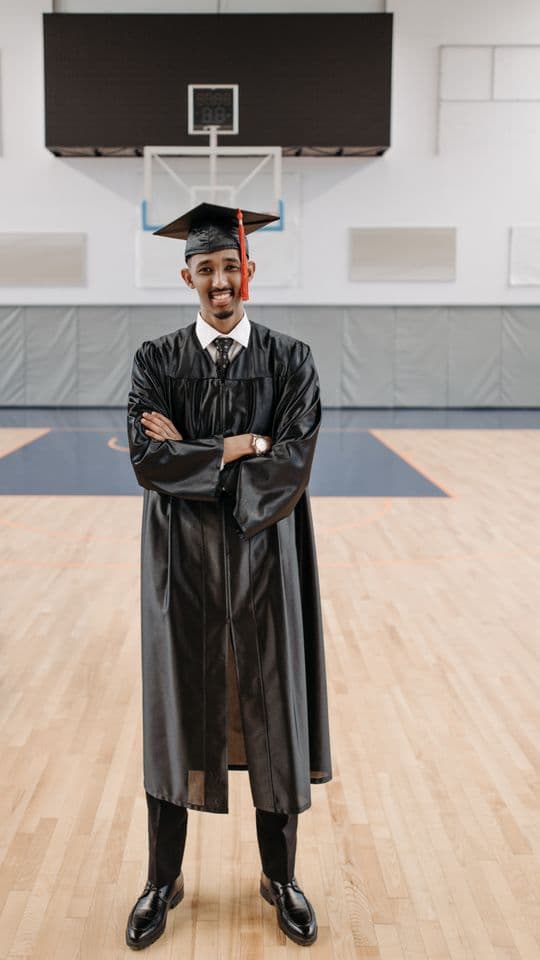
Cap Toss
20s · 11 shots (3 clips)
A yearbook page that fills column by column in black and white, then bursts into colour, caps off on the beat

The Steps
18s · 13 shots (4 clips)
A staircase of photos climbing on the beat, a gold rail, outlined year, the whole class on the park steps

Proud Nana
18s · 13 shots (4 clips)
A framed certificate for the graduate and the family who got them there, gold rules, sepia portraits warming up, a turning seal

Next Chapter
18s · 10 shots (3 clips)
An open book of the class, two pages turning on the beat, a ribbon marker, warm film grade and page-flip cuts; no text
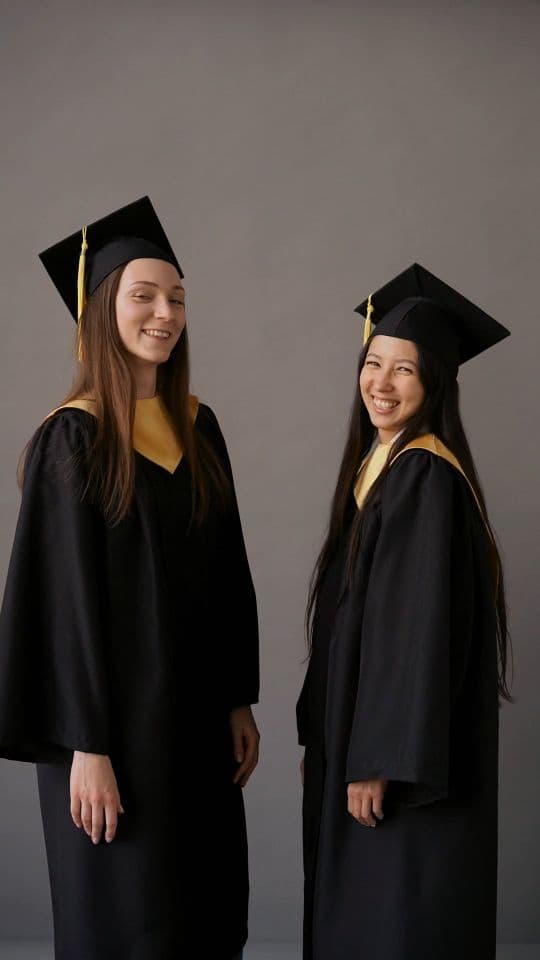
Confetti Pop
18s · 9 shots (3 clips)
Studio graduation on pink and sand, a 2×2 that pops in, confetti falling and turning the whole way, shiny gold headline

Open Doors
19s · 10 shots (4 clips)
Two door leaves close over the graduate and swing open on the beat into light, door cuts, an arched stone frame; no text
How to choose
- For the class or friend group, Cap Toss (20s, 11 shots) fills a yearbook page in black and white, then bursts into colour as caps go up; The Steps (18s, 13 shots) climbs a staircase of photos on the beat with an outlined year.
- For the graduate and their family, Proud Nana (18s, 13 shots) is a framed certificate with gold rules and sepia portraits warming up, with slots like "Two generations" and "The hug".
- For a solo studio shoot, Confetti Pop (18s, 9 shots) is pink and sand with a 2×2 grid and a shiny gold headline. It needs the fewest shots.
- For no text at all, Next Chapter (18s, 10 shots) turns the class into an open book with page-flip cuts, and Open Doors (19s, 10 shots) closes two doors over the graduate and swings them open into light.
What to shoot first
- Take a few clean portraits in the cap and gown. Cap Toss, Proud Nana, Confetti Pop and Open Doors all open on portraits.
- Film the cap toss. Cap Toss, The Steps and Next Chapter each have a slot for it.
- Get the diploma: once held up, once close up. Several templates ask for "Diploma in hand" or "Diploma up".
- Photograph the squad together, ideally on steps or in the park, for The Steps and Next Chapter.
- If family came, get the hug on video and one photo of two generations side by side for Proud Nana.
- For Confetti Pop, film two short confetti clips and one still mid-moment, like blowing a kiss.
- Shoot the class-of sign or a board with the year, if there is one.
Ideas and guides
Graduation reel template questions
Can I use a graduation reel template for free?
+
Yes. All 6 graduation templates are free in ReelXo on Android and iPhone, with no account and no watermark on exports.
How many photos do I need for a graduation reel?
+
Between 9 and 13 shots. Confetti Pop needs 9, Next Chapter and Open Doors need 10, Cap Toss needs 11, and The Steps and Proud Nana need 13. Three or four of those slots take video clips.
Can I add my school name and graduation year?
+
Yes. Cap Toss and The Steps have School and Year lines, Proud Nana has lines for the graduate's name and the year, and Confetti Pop has a headline you type. Next Chapter and Open Doors are designed without text.
Is there a graduation template for parents or grandparents?
+
Proud Nana is made for that: a framed certificate for the graduate and the family who got them there, with a family line you can edit and slots for the family hug.
Can I post it on Instagram, TikTok and YouTube Shorts?
+
Yes. Templates render at 9:16 (1080×1920) and export as MP4 at 720p, 1080p or 1440p, which fits all three.