
Graduation reel template
Next Chapter
An open book of the class, two pages turning on the beat, a ribbon marker, warm film grade and page-flip cuts; no text.
- Length
- 18 sec
- Shots
- 10 shots (3 clips)
- Format
- 9:16 · 1080p
What you'll need
Next Chapter has 10 slots. Here's what goes in each one:
- 1Left pageThe class in the park
- 2Right pageDiploma close-up
- 3Next leftBest friends
- 4Next rightCaps on
- 5WalkingA clip of the class walking
- 6SmilesA portrait
- 7GroupThe squad
- 8CelebratingA clip celebrating
- 9HugA hug
- 10Last clipCaps in the air
How to use the Next Chapter template
- Open ReelXo, go to Explore and pick Next Chapter from the Graduation templates.
- Add 10 photos or clips from your gallery or camera, one per slot.
- There is no text to fill in: this one lets the pictures talk.
- Preview it, then export in HD and share it to Reels, TikTok or Shorts.
New to this? Read how to make a reel or browse more graduation reel templates.
Questions about Next Chapter
How many photos does the Next Chapter template need?
+
Next Chapter has 10 slots, and 3 of them take a video clip. Each slot says what works best there, so you know exactly what to pick before you start.
How long is the Next Chapter reel?
+
About 18 seconds, rendered at 9:16 (1080 × 1920). That fits Instagram Reels, TikTok and YouTube Shorts without cropping.
Is the Next Chapter reel template free?
+
Yes. ReelXo is free to download on iPhone and Android, the template is included, and the video you export has no watermark.
Can I change the music?
+
Yes. Swap the track for one from ReelXo's royalty-free library, fade it in or out, or record a voiceover on top. You can also open the full timeline editor to change anything else.
More reel templates

The Steps
18s · 13 shots (4 clips)
A staircase of photos climbing on the beat, a gold rail, outlined year, the whole class on the park steps
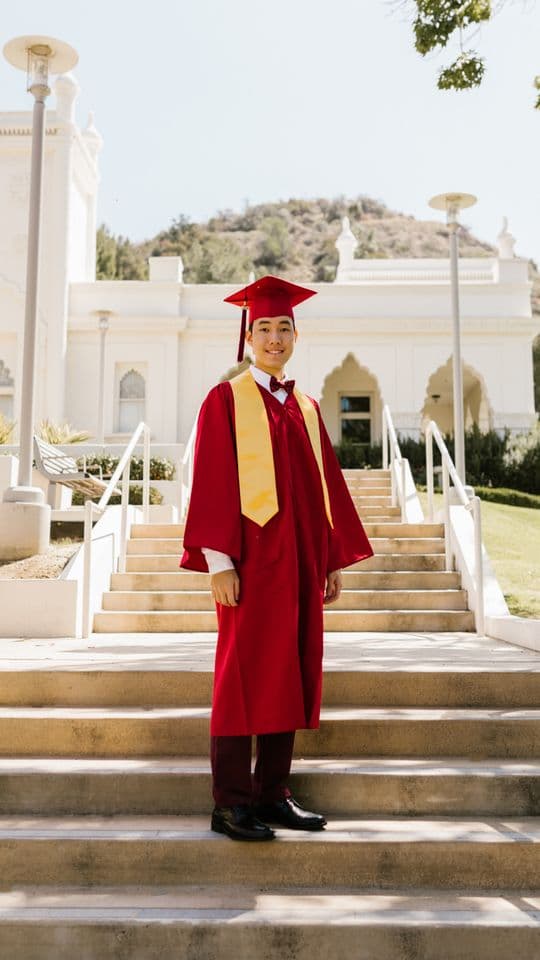
Proud Nana
18s · 13 shots (4 clips)
A framed certificate for the graduate and the family who got them there, gold rules, sepia portraits warming up, a turning seal

Confetti Pop
18s · 9 shots (3 clips)
Studio graduation on pink and sand, a 2×2 that pops in, confetti falling and turning the whole way, shiny gold headline

Open Doors
19s · 10 shots (4 clips)
Two door leaves close over the graduate and swing open on the beat into light, door cuts, an arched stone frame; no text