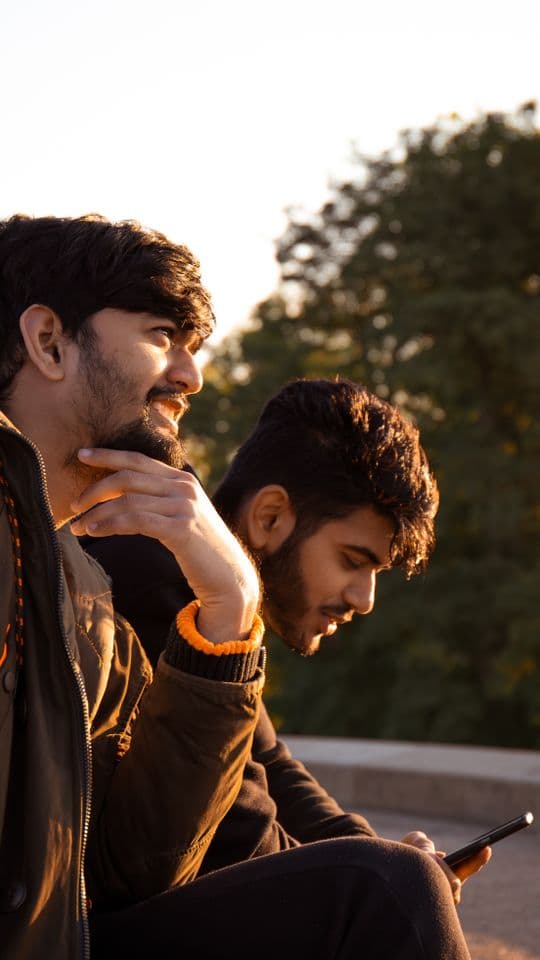
Friendship reel template
Raise a Toast
Polaroids scattered on a dark page, a line typed out, then a fast photo dump.
- Length
- 22 sec
- Shots
- 8 shots
- Format
- 9:16 · 1080p
What you'll need
Raise a Toast has 8 slots. Here's what goes in each one:
- 1The two of youThe first polaroid on the page
- 2Dressed upA night out
- 3Somewhere farA trip, a beach, a view
- 4LaughingA candid, not a pose
- 5The crewEveryone in one frame
- 6A quiet oneSunset, a hug, a hand
- 7DancingLights, movement, noise
- 8Last frameWhat you want left on screen
Text you can change: Opening line · To whom · Typed line · Closing line
How to use the Raise a Toast template
- Open ReelXo, go to Explore and pick Raise a Toast from the Friendship templates.
- Add 8 photos or clips from your gallery or camera, one per slot.
- Type your own words into the text lines.
- Preview it, then export in HD and share it to Reels, TikTok or Shorts.
New to this? Read how to make a reel or browse more friendship reel templates.
Questions about Raise a Toast
How many photos does the Raise a Toast template need?
+
Raise a Toast has 8 slots. Each slot says what works best there, so you know exactly what to pick before you start.
How long is the Raise a Toast reel?
+
About 22 seconds, rendered at 9:16 (1080 × 1920). That fits Instagram Reels, TikTok and YouTube Shorts without cropping.
Is the Raise a Toast reel template free?
+
Yes. ReelXo is free to download on iPhone and Android, the template is included, and the video you export has no watermark.
Can I change the text in Raise a Toast?
+
Yes. It has 4 editable text lines (opening line, to whom, typed line, closing line). Type your own words and the animation stays the same.
Can I change the music?
+
Yes. Swap the track for one from ReelXo's royalty-free library, fade it in or out, or record a voiceover on top. You can also open the full timeline editor to change anything else.
More reel templates
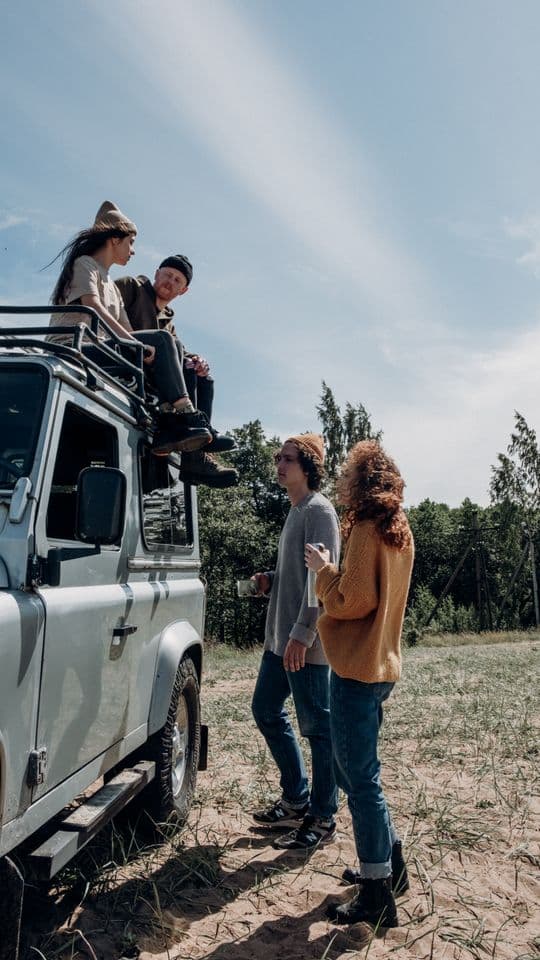
Kabira Road Trip
18s · 6 shots (1 clip)
Golden-hour friend-group montage, energetic cuts, warm grade, a beat drop

Backseat Besties
18s · 8 shots (3 clips)
Two friends, one car, the whole playlist, a pink-pop singalong cut on the beat
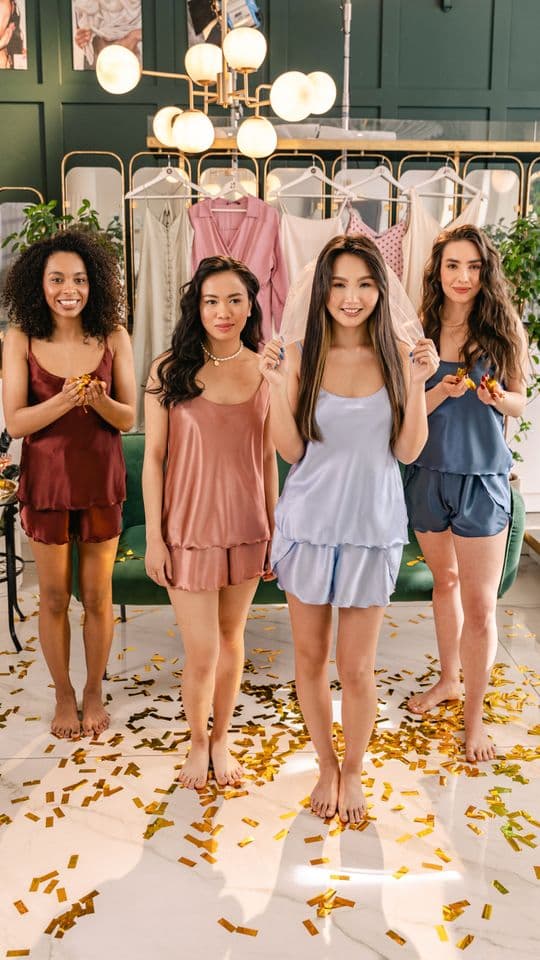
Pajama Party
18s · 8 shots (3 clips)
Confetti, face masks and a 2×2 collage on the drop, a girls' night in, no words needed
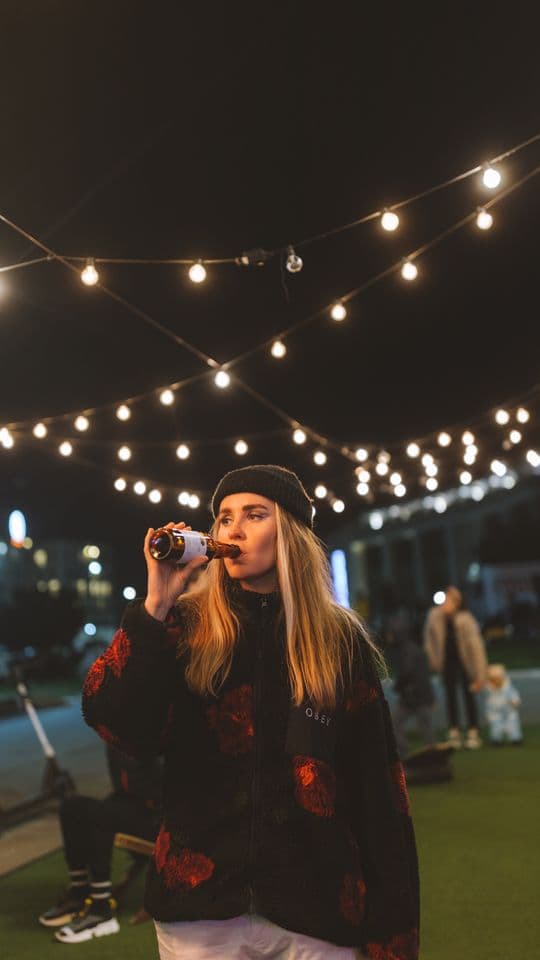
After Dark
18s · 8 shots (3 clips)
Neon frames, glitches and strobes on the beat, a night out with the girls, no text