
Devotional reel template
Vrindavan Darshan
Name cards over a stacking photo wall, then darshan cuts.
- Length
- 30 sec
- Shots
- 7 shots
- Format
- 9:16 · 1080p
What you'll need
Vrindavan Darshan has 7 slots. Here's what goes in each one:
- 1The first darshanOpens the reel and tops the wall
- 2SecondA deity or an altar
- 3ThirdSomewhere you stood
- 4FourthFaces, kirtan, movement
- 5FifthA detail, flowers, lamps, hands
- 6SixthThe temple itself
- 7SeventhWhat you left with
Text you can change: Name 1 · Name 2 · Name 3 · Name 4 · Name 5 · Name 6 · Name 7
How to use the Vrindavan Darshan template
- Open ReelXo, go to Explore and pick Vrindavan Darshan from the Devotional templates.
- Add 7 photos or clips from your gallery or camera, one per slot.
- Type your own words into the text lines.
- Preview it, then export in HD and share it to Reels, TikTok or Shorts.
New to this? Read how to make a reel or browse more devotional reel templates.
Questions about Vrindavan Darshan
How many photos does the Vrindavan Darshan template need?
+
Vrindavan Darshan has 7 slots. Each slot says what works best there, so you know exactly what to pick before you start.
How long is the Vrindavan Darshan reel?
+
About 30 seconds, rendered at 9:16 (1080 × 1920). That fits Instagram Reels, TikTok and YouTube Shorts without cropping.
Is the Vrindavan Darshan reel template free?
+
Yes. ReelXo is free to download on iPhone and Android, the template is included, and the video you export has no watermark.
Can I change the text in Vrindavan Darshan?
+
Yes. It has 7 editable text lines (name 1, name 2, name 3, name 4, name 5, name 6, name 7). Type your own words and the animation stays the same.
Can I change the music?
+
Yes. Swap the track for one from ReelXo's royalty-free library, fade it in or out, or record a voiceover on top. You can also open the full timeline editor to change anything else.
More reel templates
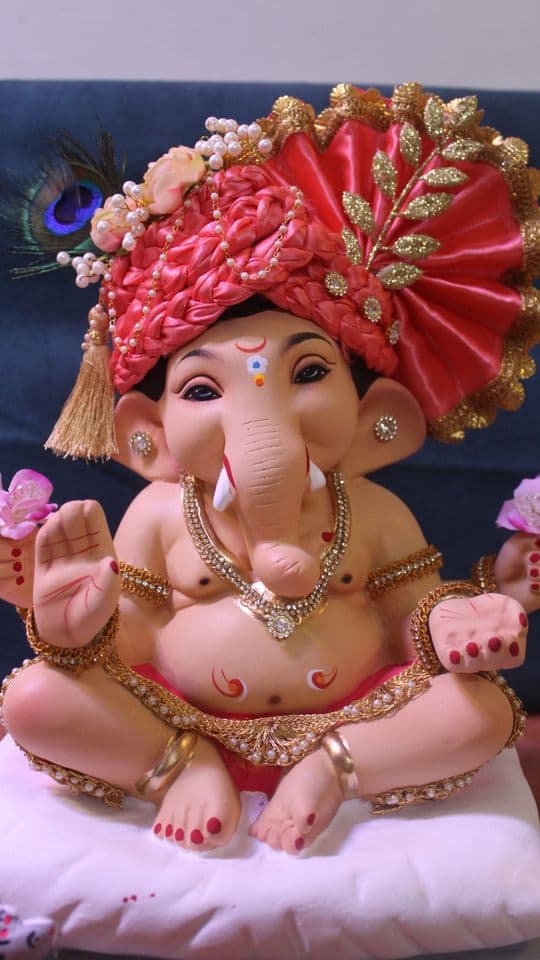
Gajanana Bappa
20s · 8 shots (1 clip)
Stacking wall build, festive darshan cuts, then Bappa Morya

Northbound
16s · 4 shots
Slow dissolves, dip to black, quiet type

Trailhead Drop
9s · 3 shots
Bounce type, a rotated inset card, spec captions

Field Notes
18s · 6 shots
Square slideshow, numbered plates, no filters